
How to access the Moodle App
How can I log in?
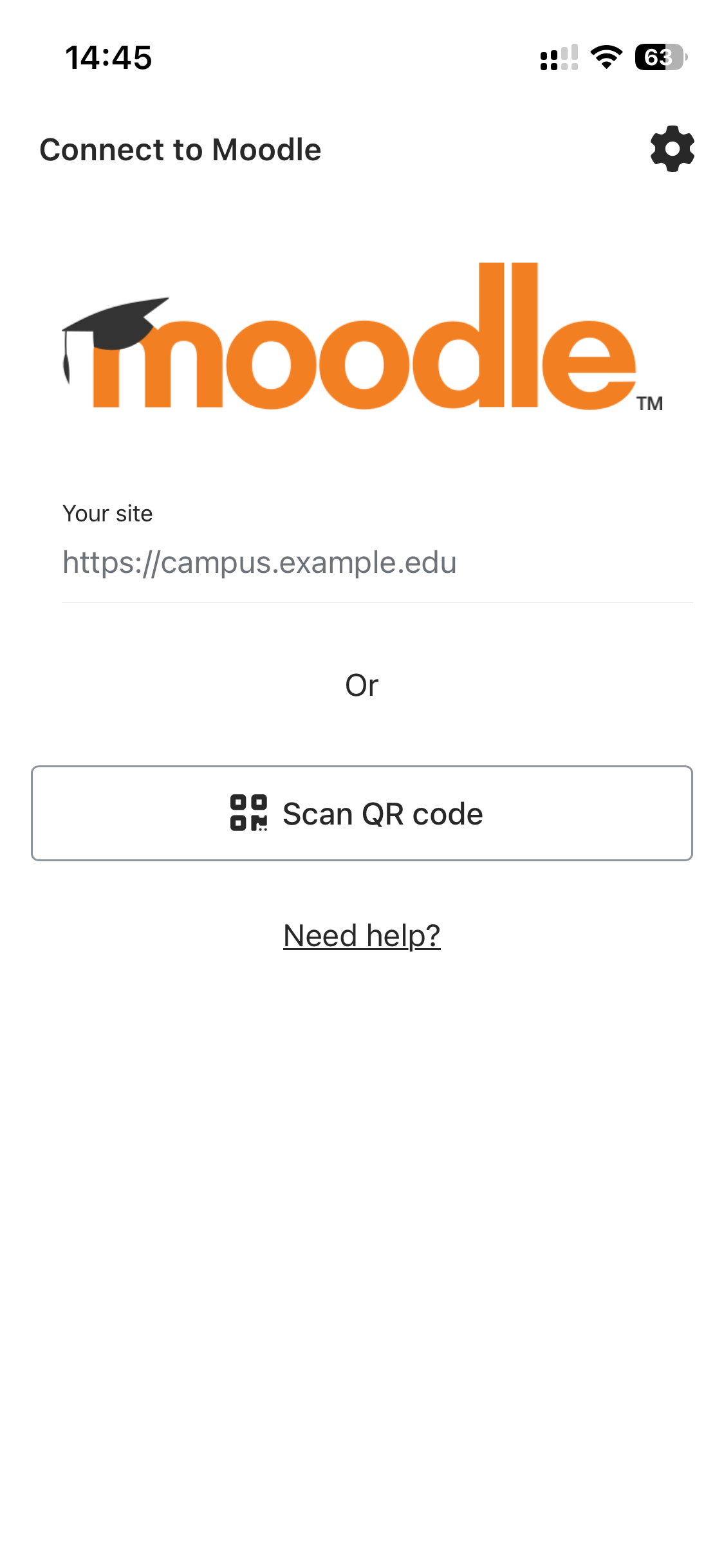
To log in to our Moodle site with the Moodle App, you need the URL (web address) of the Moodle site, https://moodle.learna.ac.uk. If your organisation has Search enabled, you can try searching by the name of your organisation or eLearning site.
You can also log in using the QR code located at the bottom of your user profile. Here's how:
-
Press “Scan QR code” in the Moodle app.
-
Scan the code on your profile, and you’ll be logged in automatically.
Tip: On most smartphones, you can simply scan the code using your default camera app, and it will redirect you to Moodle.

Who can I contact for help with the app?
If you’re a student and need help with issues related to logging in, or trouble connecting to the app, you should contact student services.
How can I get the Moodle app?
You can download the Moodle App for free from Google Play and the Apple App Store. You will find it by searching “Moodle”, and the author/owner is “Moodle Pty Ltd”.
I can’t find the site in the app.
If you are having difficulty finding the site with the URL, try the QR code method.